
THE MISSION
Custom-madeWakefield’s Secret
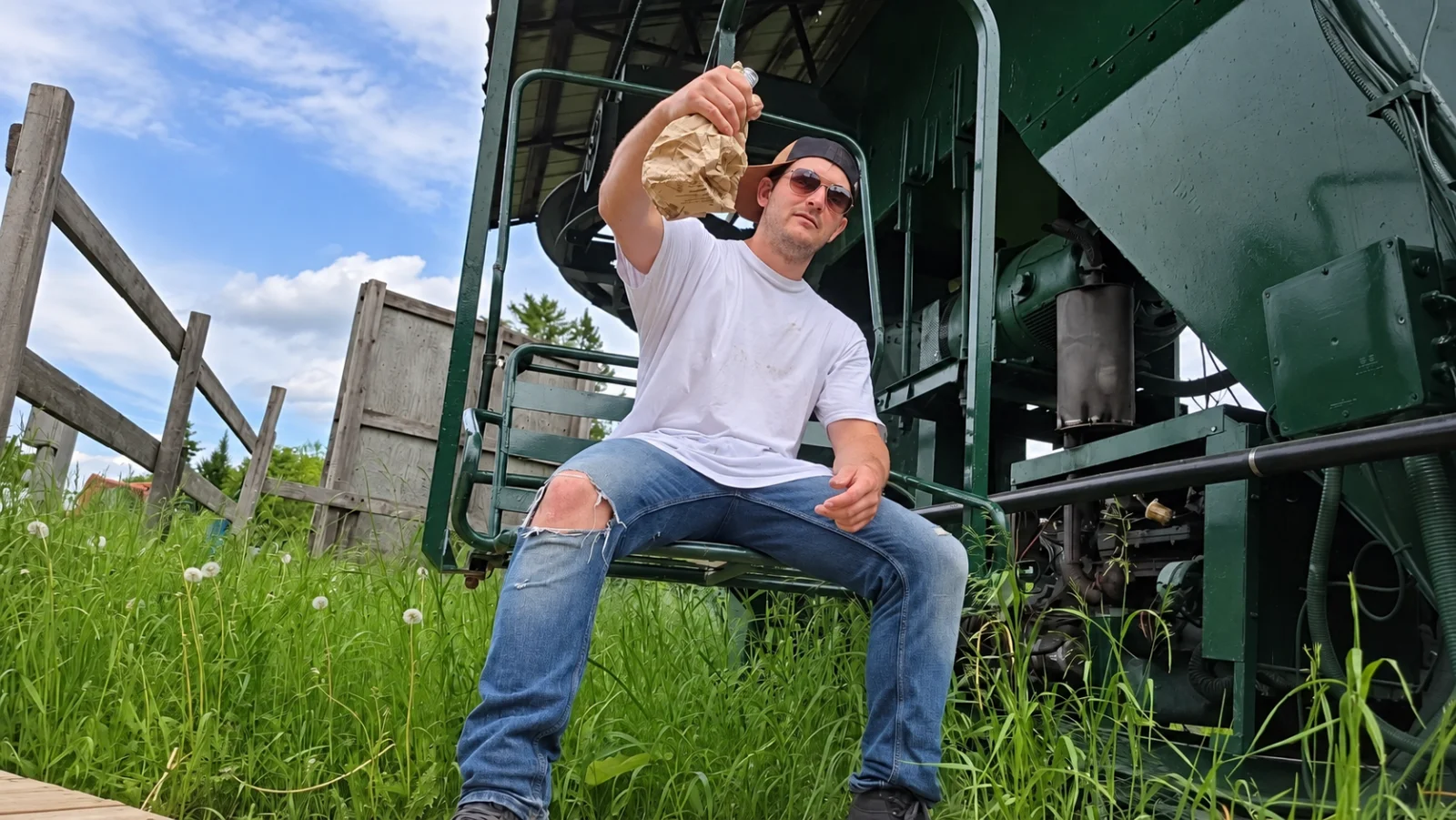
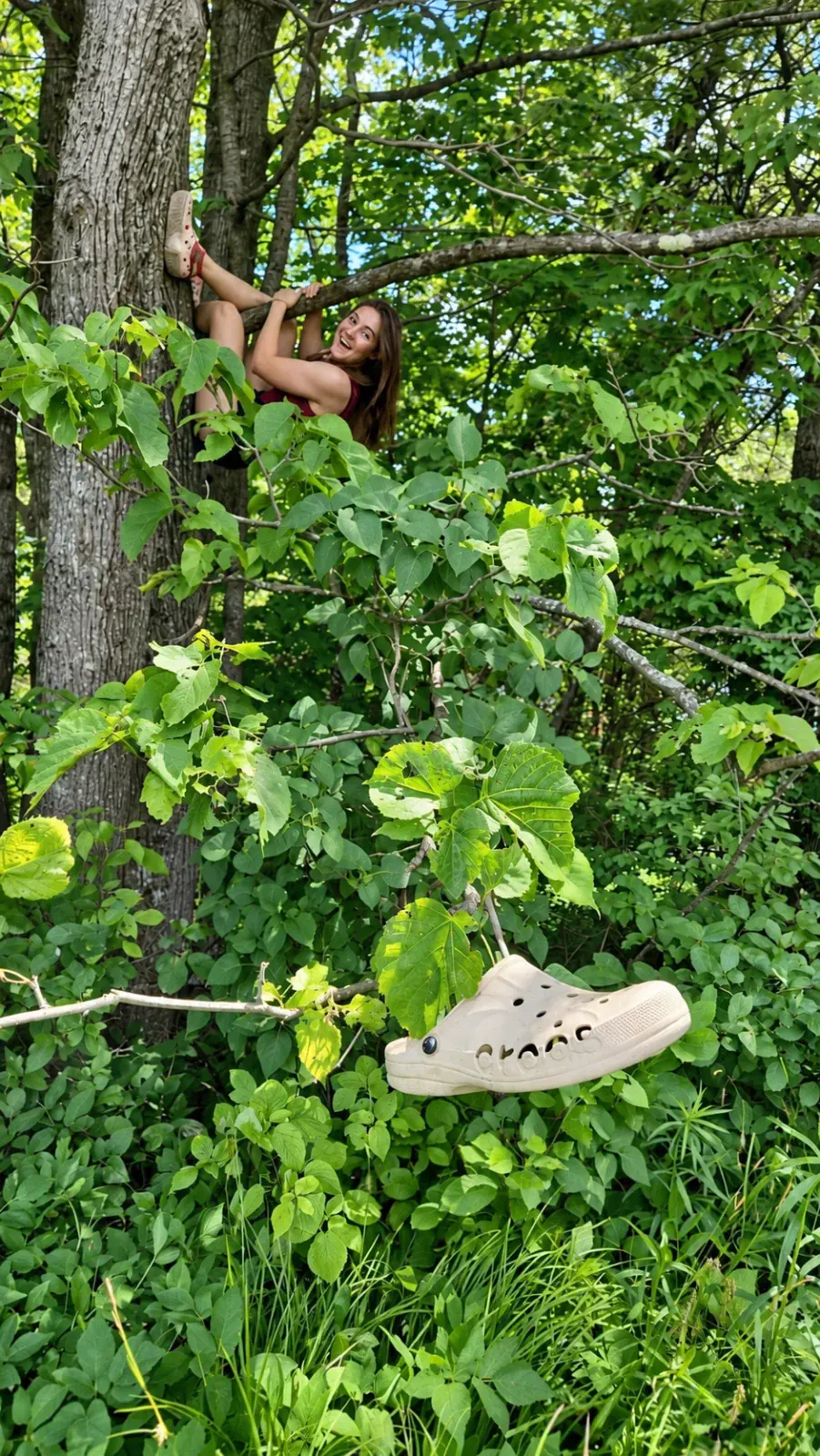
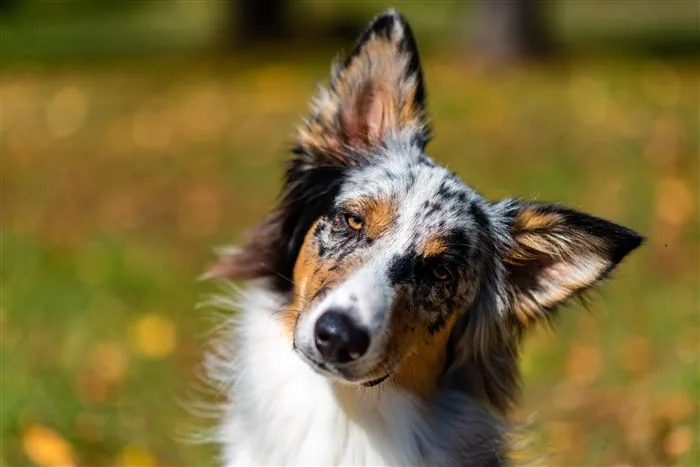
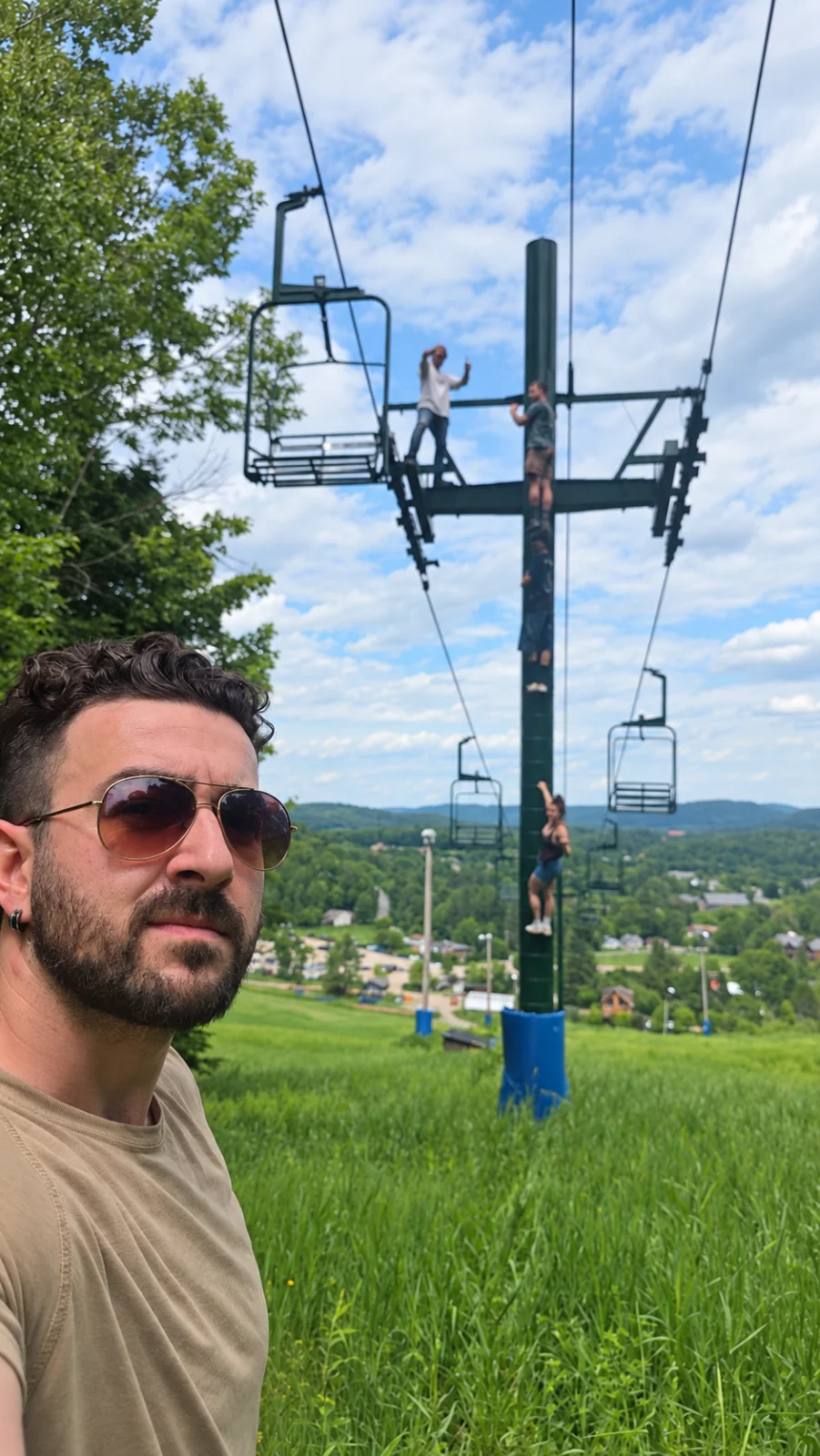
Find a place that isn’t well known but deserves to be!
This custom mission is not included in the standard packages.
A photo challenge game for your events.
Create my event

THE MISSION
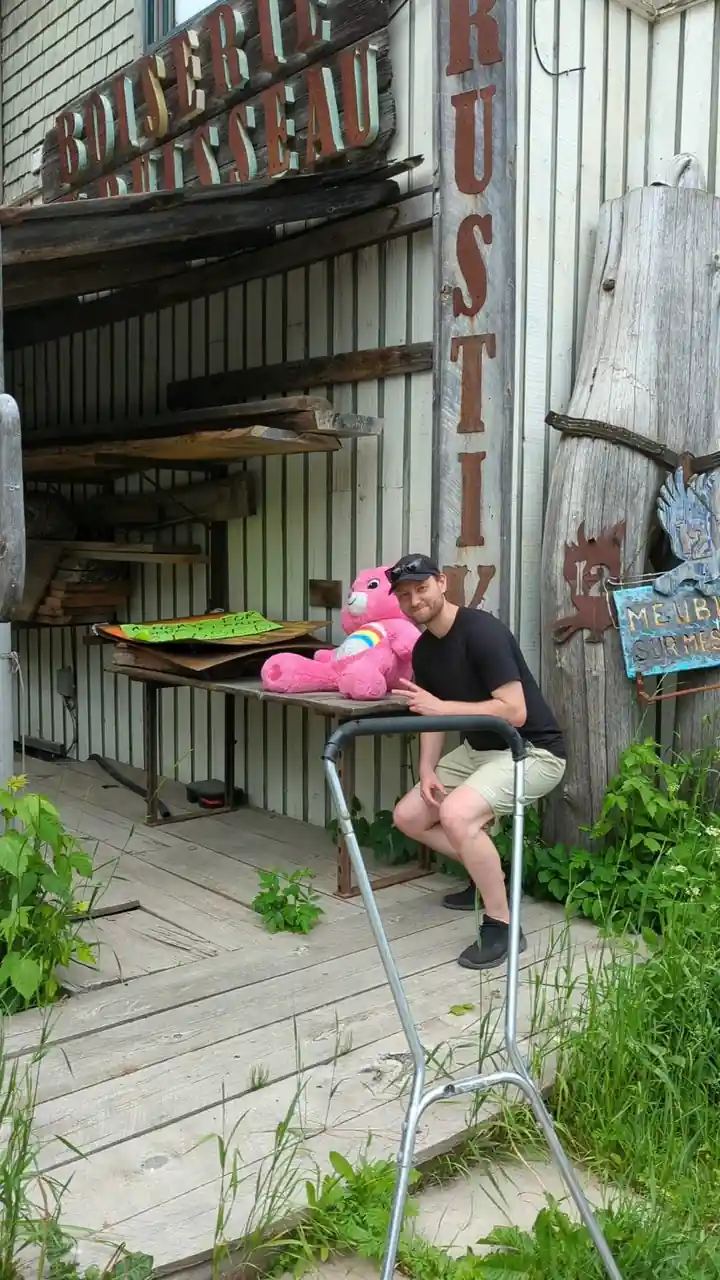
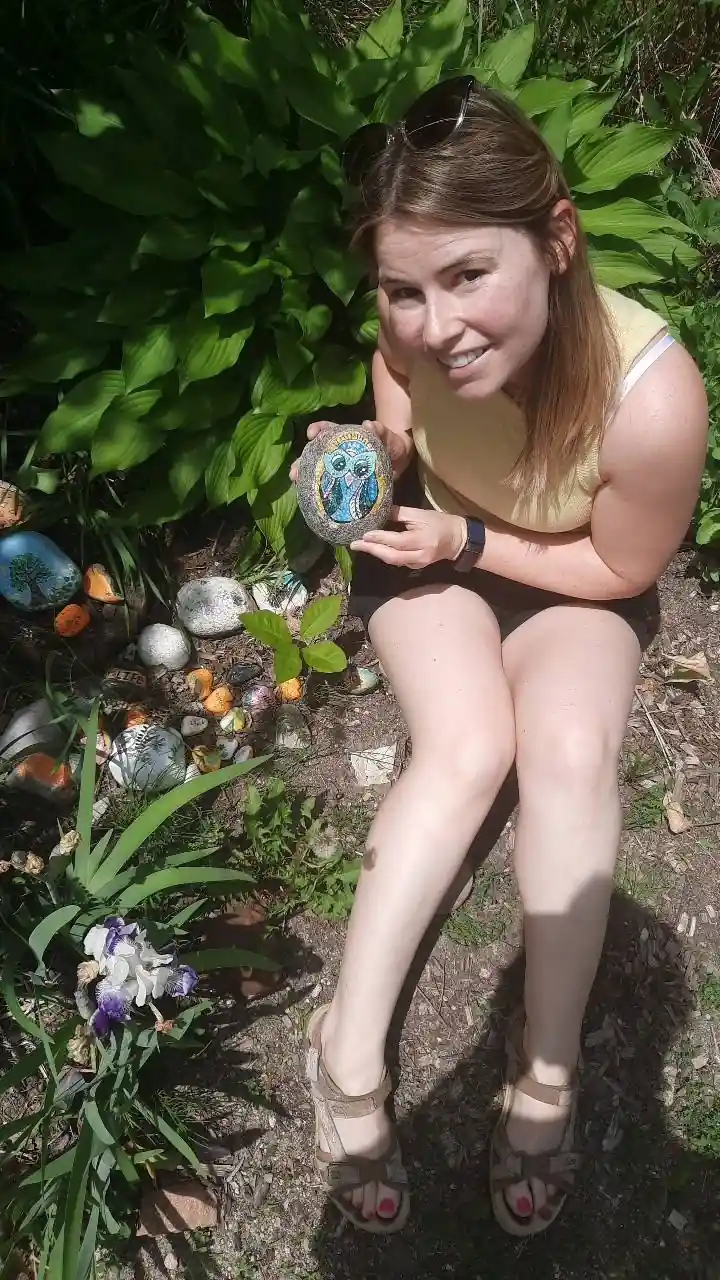
Custom-madeFind a place that isn’t well known but deserves to be!
This custom mission is not included in the standard packages.
Wakefield’s Secret. Find a place that isn’t well known but deserves to be!
Scan, play & relive
Find the package and missions that will make your guests smile.
Give your game a style that reflects your event.
Personalize your game with your event’s name, date, time, and location.
Share the QR code with your guests and create wonderful memories!
Authentic photos, spontaneous moments, shared emotions.
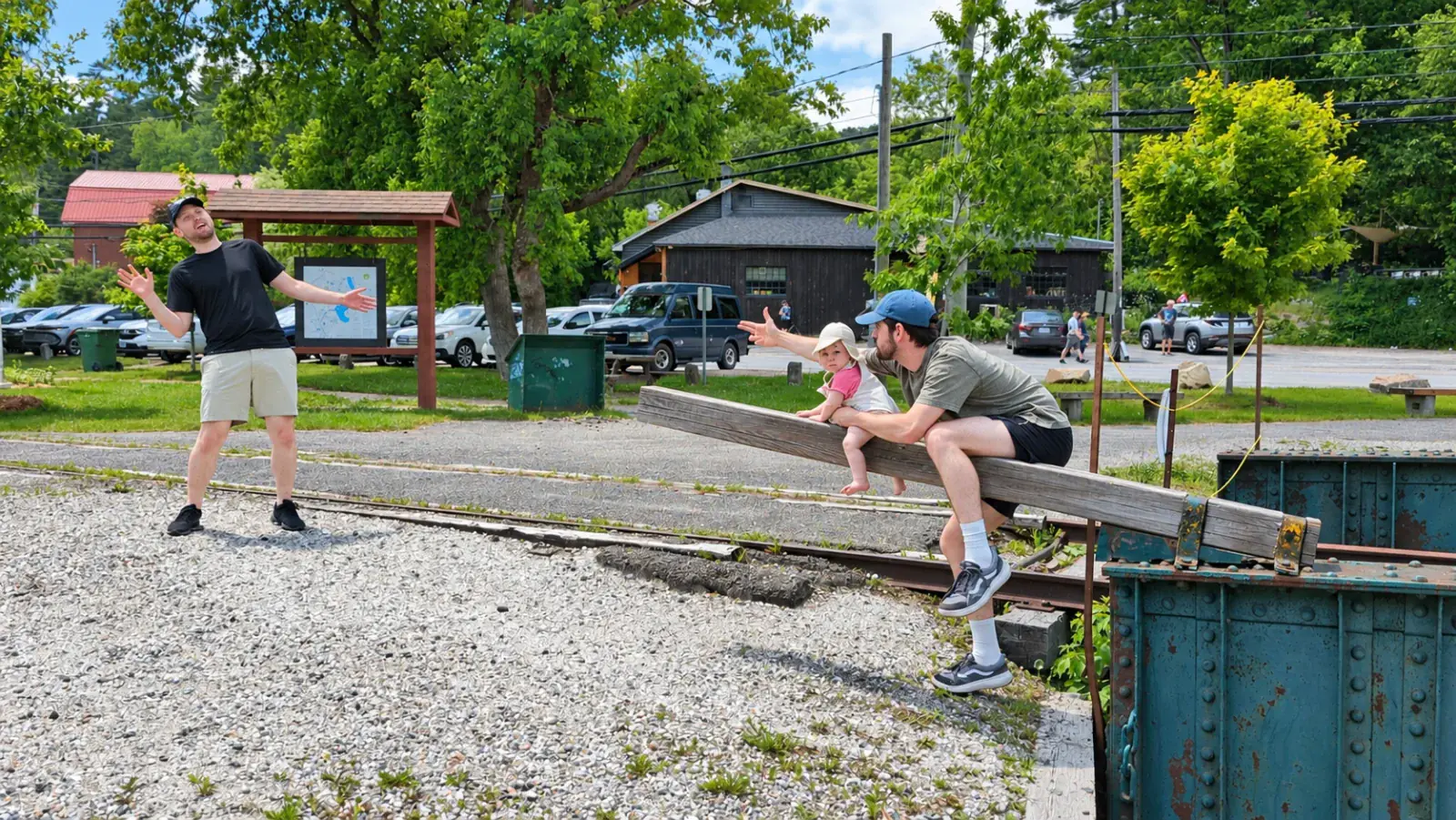
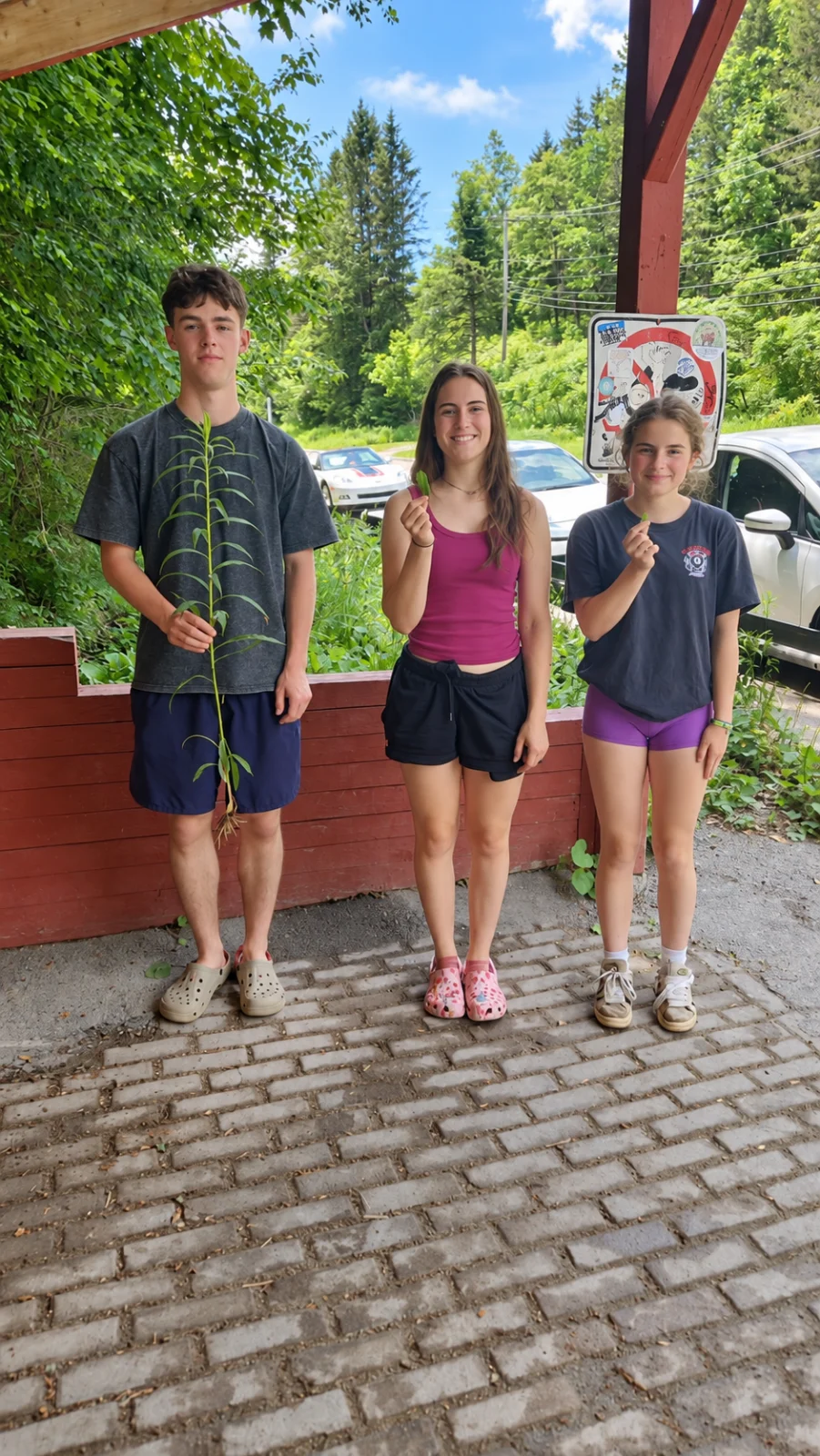
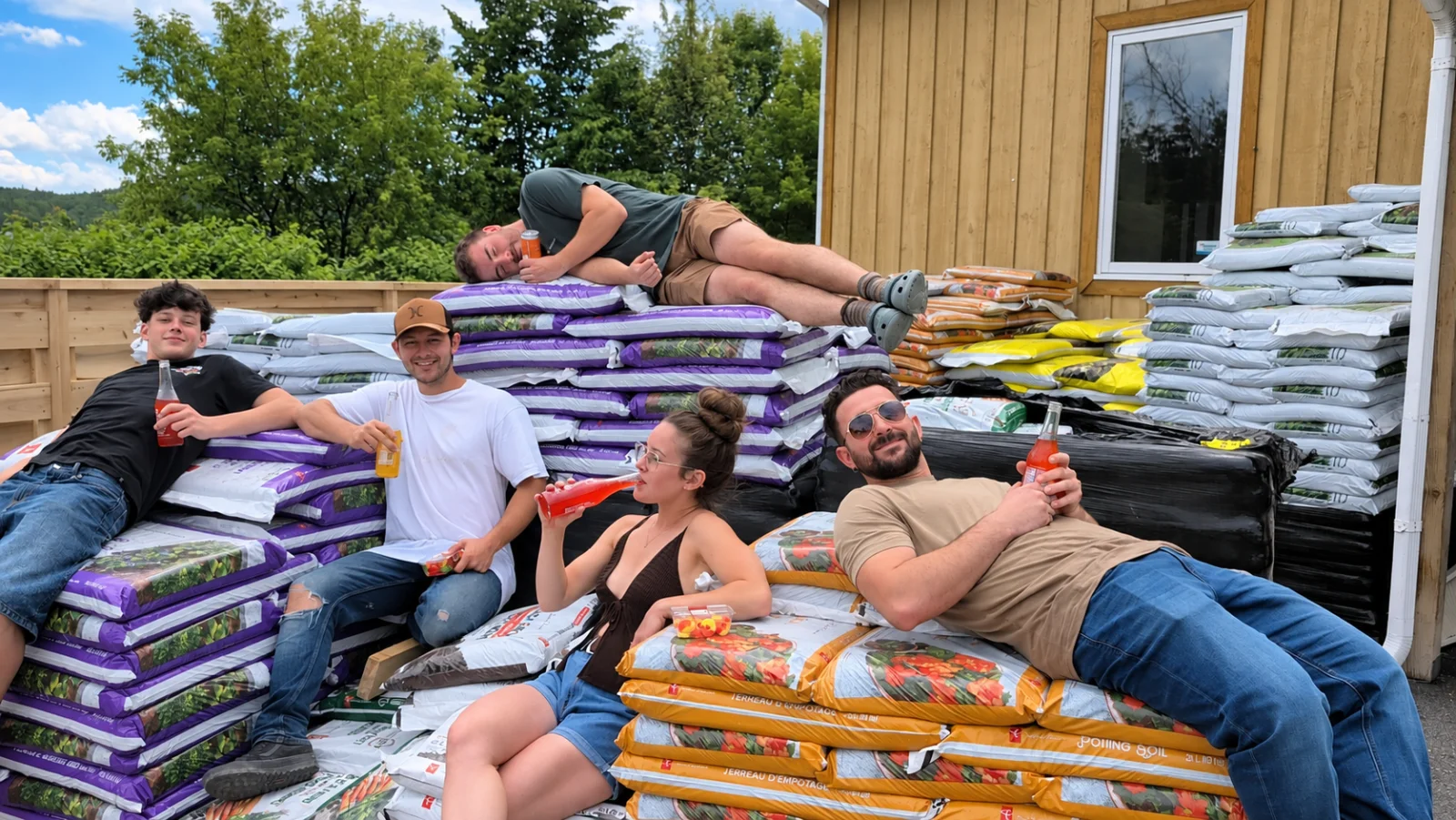
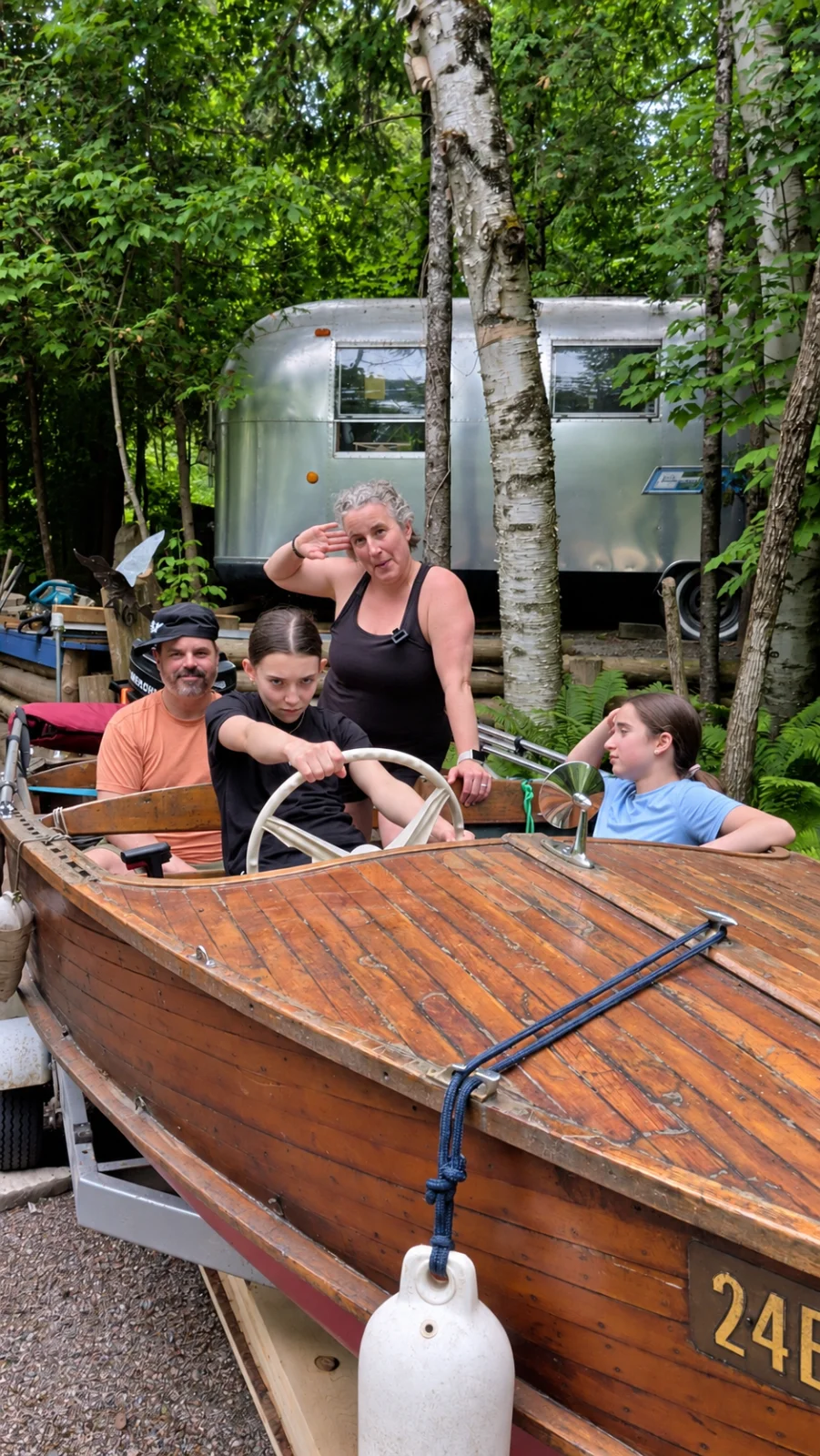
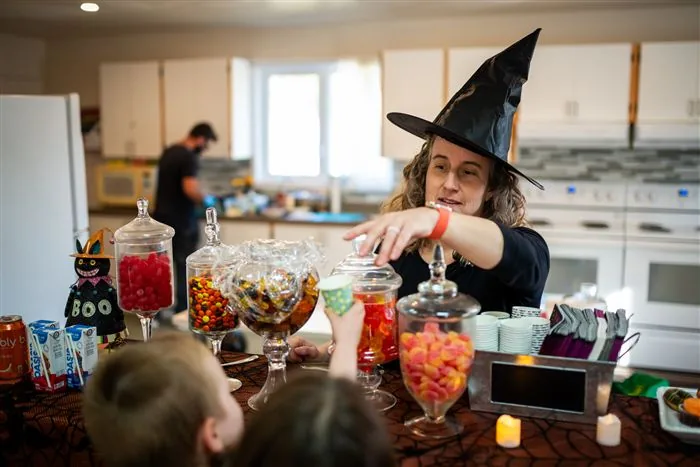
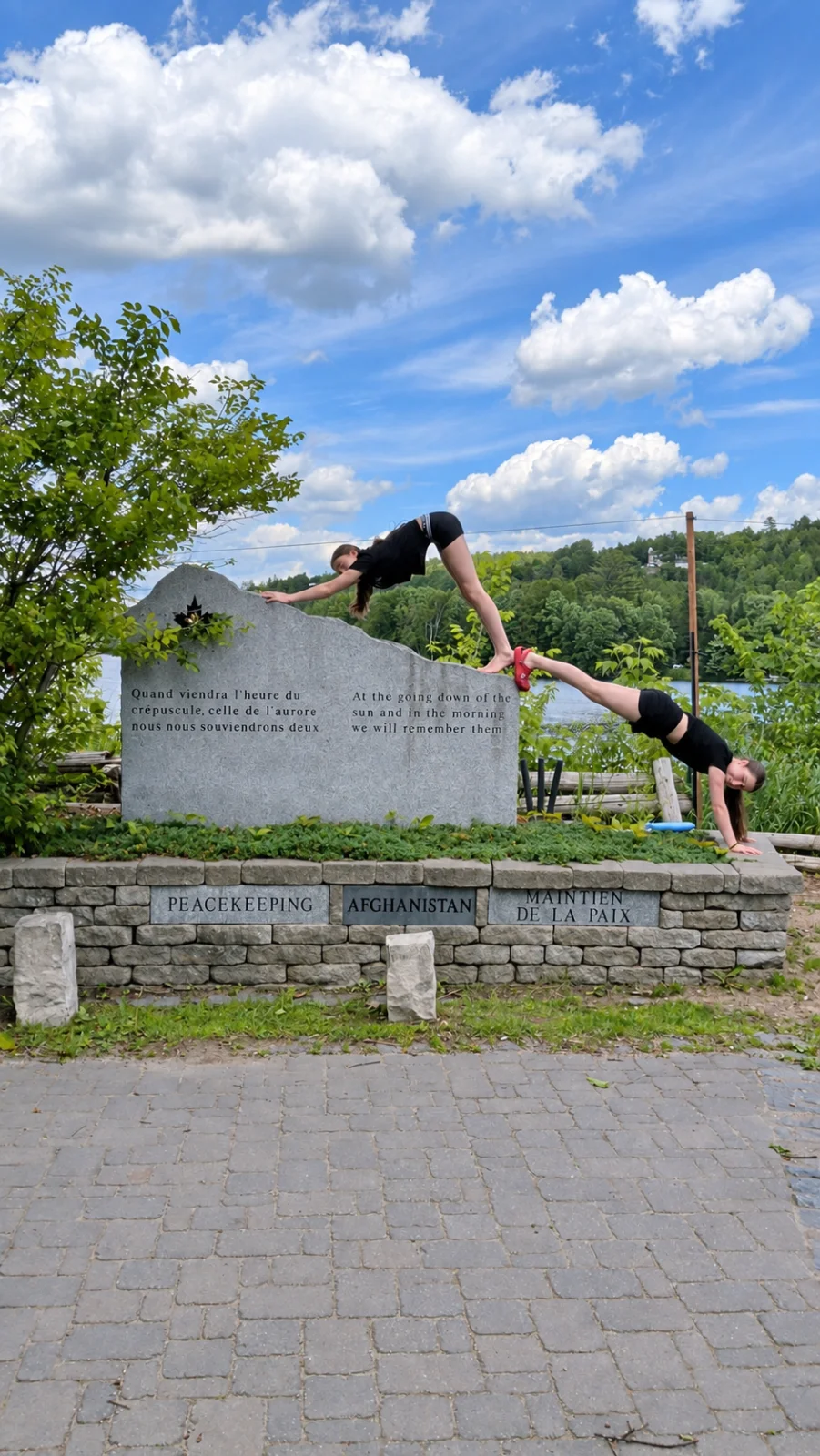
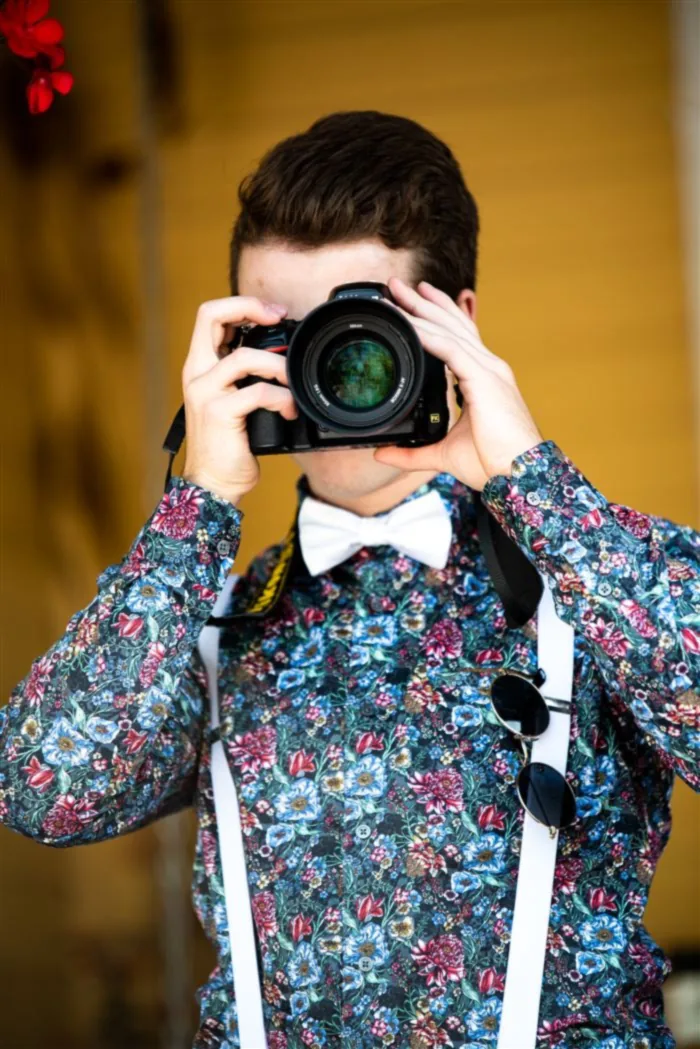
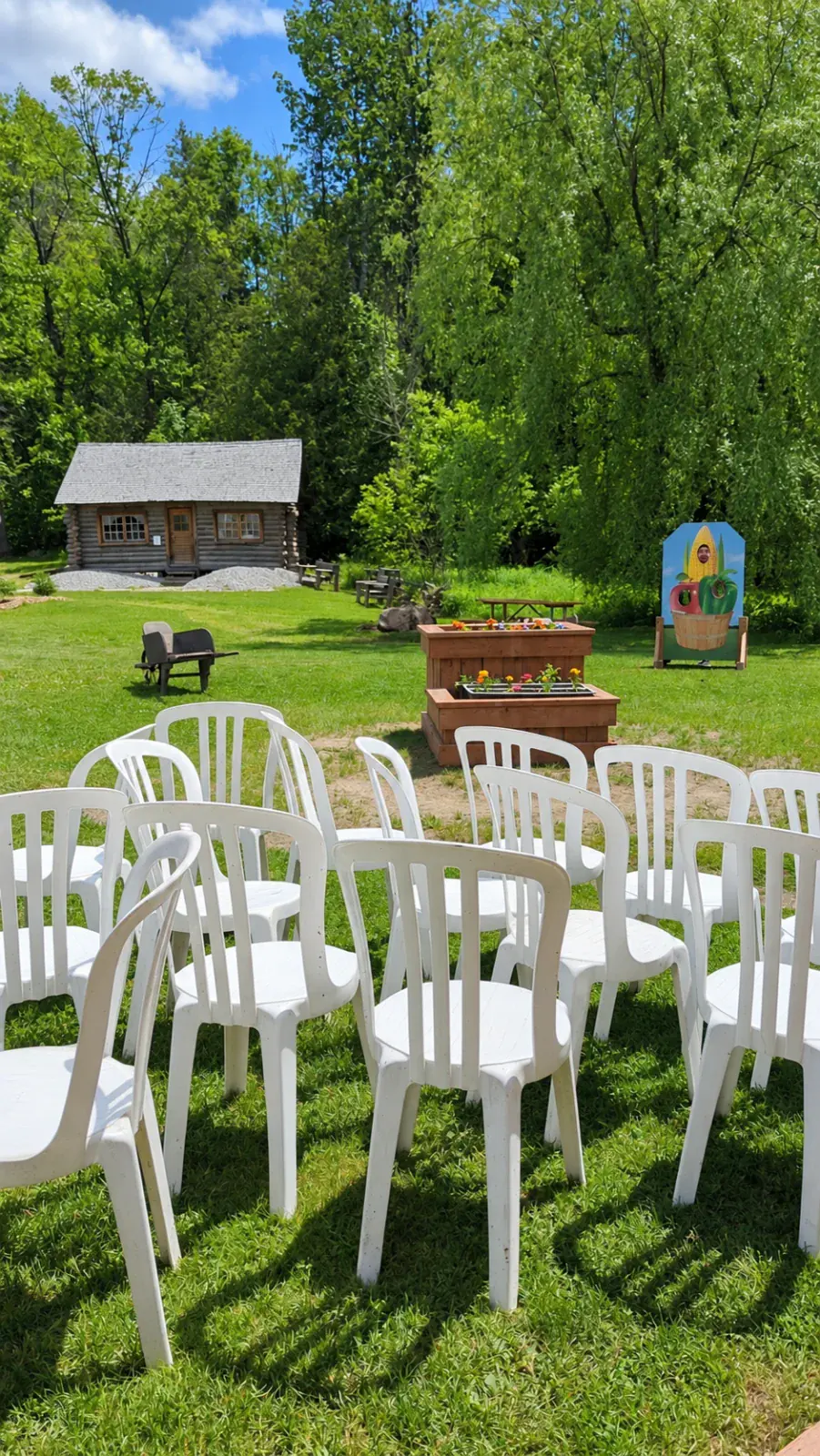
Choose the package that fits your needs and create unforgettable memories.
Perfect for intimate moments
CA$49.99
Up to 25 guests
The complete experience
CA$79.99
Up to 75 guests
For a memorable impact
CA$99.99
Up to 150 guests
Beyond the packages
For the groups and the ideas our standard packages do not cover, Missions.photos can go further. I design a custom experience, with missions written for your group, then I come and run it with you on site.
Create my custom gameHave a question, an idea, or a project in mind? Write to us — we’d love to hear about it. Is your event over 150 guests, or outside our standard packages? Make a custom request.
No. Guests scan the QR code and play directly in their browser, with no account or download needed.
Small occasions welcomes up to 25 guests, Celebration up to 75 and Grand occasion up to 150. Over 150 guests, choose the custom experience.
Once your package's limit is reached, anyone arriving after that sees a message that the event is full, so pick a package that covers all your guests. Over 150 guests, the custom experience is what you need.
Yes, until the event starts. In your organizer space you can change its name, date, venue and look, postpone it, or cancel it: we then refund the amount paid, minus Stripe's processing fee. Once the event has started it can no longer be changed or cancelled.
Beyond our three standard packages, Missions.photos designs a custom experience: a mission game written specially for your group. It suits events over 150 guests, but also a smaller event whose concept falls outside our packages. To request a quote, make a custom request.
If you like. For the custom experience, our team can come and run it with you on the day; it can also run on its own.
Yes: they scan the code and type their first name. Larger text and high contrast are in the settings. It also offers reduced motion, and it is designed to the WCAG 2.2 AA accessibility standard.
Yes, in every package: a QR code poster, ready to print.
Yes: pick a theme, a palette, confetti and a cover photo, depending on your package. Your missions are drawn for your type of event.
Your event comes with a bank of 20, 40 or 60 missions depending on the package. When guests arrive, they each draw 10 at random and complete them by taking photos, which appear in the party feed.
Yes, the whole experience is bilingual. It opens in French, or in English when the guest's phone is set to English, and anyone can switch language in the settings.
Not yet: missions are done with photos.
Yes, a connection (Wi-Fi or mobile data) to join the party and send photos. The app tells you if it drops.
Yes, during the party a guest can remove a photo they took: it leaves the feed immediately, they can undo for 5 minutes, then it's gone for good. A guest can also report someone else's photo: once two guests have reported it, it's hidden from the other guests, and the organizer can then remove it. After 60 photos are hidden within the same hour, the next ones stay visible until the organizer reviews them.
Every photo is checked by Google Cloud Vision before it appears, and inappropriate ones are refused. Guests can also report a photo: after two reports it is hidden until the organizer reviews it. After 60 photos are hidden within the same hour, the next ones stay visible until the organizer reviews them.
Use the help button in your organizer portal. Grand occasion requests are handled first.
From 3 to 12 months depending on the package, and you can extend it. Once the album is published, all photos can be downloaded at once until it goes offline.
During the party, only guests who joined the event and the organizer. Afterwards the organizer can publish the album, protected by a password sent to guests who left their email. Album photo links expire within the hour.
Yes. In the album, anyone can save a photo or download them all in one ZIP file.
Guests who left an email receive the link and password as soon as you publish the album. You can share them with everyone else yourself.
You get reminders first, then the photos are deleted. You can extend the album by 3, 6 or 12 months.
The organizer gets the participants' consent, and a parent's or guardian's consent for each minor. A parental authorization form is available on our forms page.
Write to info@missions.photos naming the event: we hide the photo within two business days and pass the request to the organizer.
Event photos and information are stored in Canada, in Montréal. A guest can erase their data at any time with "Delete my data" in the settings. Our privacy policy has the details.
No. The phone removes location data before sending the photo.
No, never. Our privacy policy has the details.
Two ways to enjoy a unique Missions.photos experience.
Simple, quick, and self-serve.
Choose a package, customize your event, and launch it in minutes.
Unique, personalized, and guided.
A custom experience to bring your ideas to life, whatever the size or type of event.